Introduction
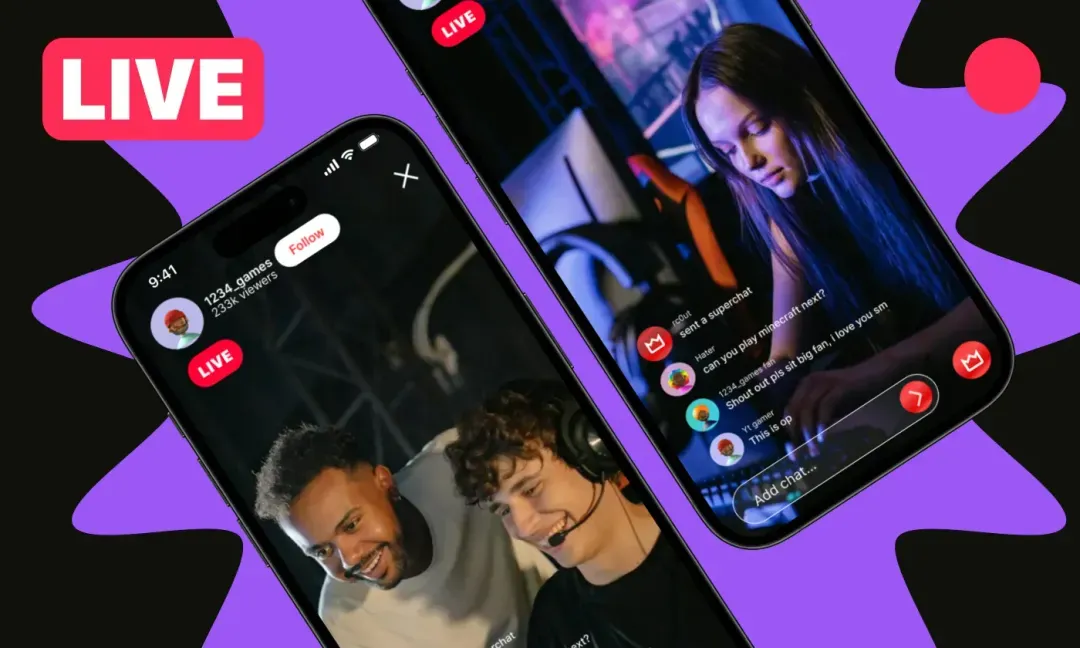
Streaming video games has become one of the most exciting and accessible ways to earn money online. Thanks to platforms like Twitch and Rooter, gamers now have the unique opportunity to showcase their gameplay to millions of viewers around the world. What makes this even more appealing is the variety of income streams available.
Gamers can earn through subscriptions, where fans pay a monthly fee for exclusive perks, donations from viewers who enjoy the content, sponsorships from brands looking to reach the gaming community and ad revenue that streams generate as they grow in popularity. This combination allows even beginners to gradually build a source of income from their passion.
Whether you are a casual gamer who enjoys playing for fun or a professional gamer looking to turn your hobby into a full-time career, live-streaming offers a flexible and creative way to earn money doing what you love. Beyond just playing games, live-streaming also allows you to build a community, interact with fans, and even develop personal branding that can open up more opportunities in gaming or online entertainment.
Ingredients Needed for Successful Live-Streaming
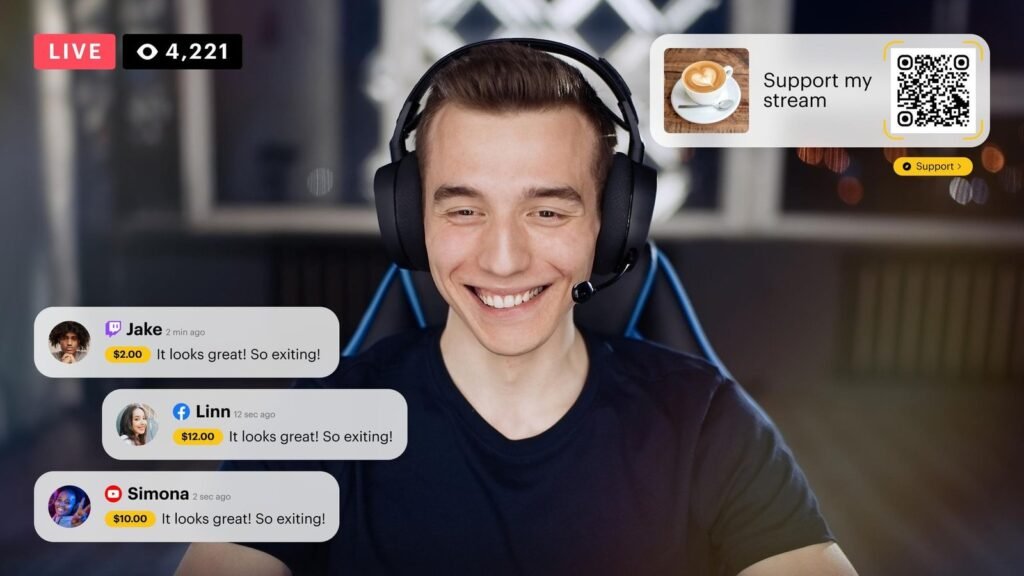
To earn money consistently from live-streaming, it’s essential to have the right tools and setup. Think of these as the ingredients for a successful stream.
- High-performance PC or gaming console: A smooth, lag-free experience is crucial. For PC, aim for a system that can run games at high settings and handle streaming software simultaneously. Consoles like PlayStation, Xbox or even high-end mobile devices work for platforms like Rooter.
- Stable internet connection: A fast and stable internet connection ensures your stream runs without buffering. Aim for at least 5 Mbps upload speed for HD streaming. Higher speeds improve video quality and reduce lag.
- Streaming software: Programs like OBS Studio, Streamlabs or XSplit allow you to broadcast your gameplay. They also let you customize overlays, alerts, and scenes.
- Webcam and microphone: These are critical for interacting with viewers. A good webcam makes your presence felt, and a clear microphone improves communication, making your stream more engaging.
- Verified Twitch or Rooter account: Verification allows you to monetize your stream through subscriptions, donations, or affiliate programs.
- Graphics and overlays: Optional but these add a professional touch. Custom graphics, alert pop-ups and background music make your stream more entertaining.
- Games to stream: Choose games that match your style. Popular games attract larger audiences, while niche games can help you stand out in smaller communities.
- Consistency and patience: Even with the best setup, success comes from regularly streaming and interacting with your audience.
By preparing these ingredients, you set a solid foundation for starting your live-streaming career.
Step-by-Step Method to Earn Money by Live-Streaming
Turning live-streaming into a profitable activity requires careful planning and consistent effort. Below is a step-by-step guide to help you get started and grow your streaming career effectively.
1. Set Up Your Account
The first step is to create a Twitch or Rooter account. Use a valid email and choose a professional, easy-to-remember username. A well-crafted profile increases credibility with viewers. Complete your profile by adding a bio, profile picture, banners, and links to your social media accounts.
Additionally, link your account to payment options such as PayPal or your bank account. This ensures you can receive tips, donations, and subscription payments without delays. A polished account helps you make a strong first impression and builds trust among your audience.
2. Install Streaming Software
Next, you need reliable streaming software. Popular options include OBS Studio (free and open-source), Streamlabs (beginner-friendly) and XSplit. Once installed, connect your software to your Twitch or Rooter account using the provided stream key.
Carefully configure your settings, including video resolution, frame rate, audio balance and overlays, to deliver a high-quality stream. A professional-looking and smooth stream keeps viewers engaged and encourages them to return.
3. Choose the Right Games
Selecting the right games is critical for attracting viewers. Streaming popular games such as Fortnite, PUBG or Call of Duty can help you reach a wider audience quickly. On the other hand, niche or indie games face less competition, giving you a chance to stand out and develop a dedicated fan base.
Experiment with games that match your interests because passion and authenticity make your stream more enjoyable for viewers and help you connect with your audience on a personal level.
4. Start Streaming
Once your setup is ready, it’s time to go live. Click the Go Live button on your platform and begin interacting with viewers through chat. Use headphones to prevent echo and feedback, ensuring clear audio communication.
Maintain a consistent streaming schedule, such as streaming 2–4 hours daily or five days a week. Consistency builds trust and encourages viewers to return regularly, helping you grow your audience steadily.
5. Build Your Audience
Audience growth comes from active engagement and promotion. Respond to questions, acknowledge new followers and create fun interactions like polls or mini-games to keep viewers engaged.
Promote your streams across social media platforms like Instagram, TikTok, Twitter and YouTube to reach potential viewers outside the platform. Collaborating with other streamers can also help you gain exposure, as joint streams introduce your channel to new audiences.
6. Monetize Your Stream
After building a consistent audience, focus on monetization. There are several ways to earn money while live-streaming:
- Subscriptions: Offer perks for subscribers, such as exclusive emojis, special badges or behind-the-scenes content.
- Donations: Accept donations via PayPal, Rooter coins, or third-party platforms.
- Advertisements and sponsorships: Apply to the Twitch Affiliate or Partner program to earn ad revenue. As your channel grows, brands may approach you for sponsorships.
- Merchandise: Selling branded items like T-shirts, mugs or gaming gear allows loyal fans to support you while promoting your channel.
7. Analyze and Improve
Continuous improvement is key to long-term success. Use platform analytics to track growth, monitor which games attract the most viewers, identify peak streaming times and measure engagement levels. Listen to viewer feedback and refine your content, schedule and streaming style accordingly.
Even small adjustments over time can lead to noticeable improvements, helping you grow your channel and income steadily.
Make Money Tips for Live-Streaming
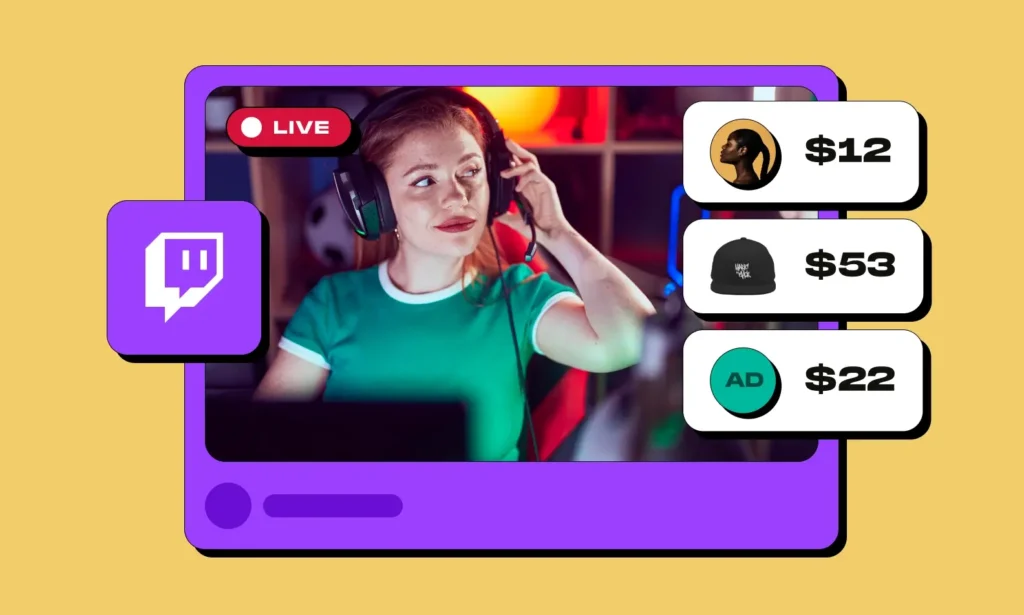
Starting a live stream is simple, but turning it into a consistent income takes planning and strategy. Here are some practical tips to help you earn more:
Maintain a consistent schedule: Your viewers will return when they know exactly when you go live. Skipping streams frequently can slow audience growth and reduce engagement.
Interact with your audience: Always respond to chat messages, acknowledge new followers, and create polls or mini-games. Active engagement builds a loyal community that supports your channel.
Upgrade your equipment gradually: Clear video and crisp audio make your stream more professional. Begin with basic gear and invest in better microphones, cameras, or lighting as your channel grows.
Promote your content: Share stream highlights on YouTube Shorts, Instagram Reels, or TikTok to reach a wider audience. Cross-promotion helps attract new viewers and potential subscribers.
Collaborate with other streamers: Teaming up with other creators can introduce your channel to new audiences. Joint streams, tournaments, or challenges make your content more dynamic and fun.
Keep up with gaming trends: Stay updated on popular games, seasonal events, or trending challenges. Streaming trending content often draws more viewers and increases earning opportunities.
Variations in Streaming
There are several ways to vary your live-streaming content to keep your audience engaged and attract new viewers. One approach is game variety streaming, where you play multiple games instead of focusing on a single genre, allowing you to reach different types of audiences. Another option is themed streaming, which can include tutorials, competitive gameplay, speedruns or Let’s Play series, making your content more interesting and dynamic.
Charity streaming is another effective variation, as hosting streams for charitable causes can increase your visibility and encourage donations from viewers. For gamers on the go, mobile streaming through platforms like Rooter allows you to broadcast directly from smartphones, providing flexibility and convenience. Finally, community-focused streams, such as Q&A sessions, gaming challenges or collaborative streams with other creators, help build a loyal and interactive community around your channel.
Serving & Storage Tips
When it comes to serving your streams, it’s best to go live when your target audience is most active, usually during evenings or weekends, to maximize viewership. After streaming, make sure to save your broadcasts and highlights on platforms like YouTube or cloud storage, as this allows you to repurpose content into shorter clips, tutorials or promotional material.
Sharing these recorded highlights on social media is a great way to reach new viewers who may have missed the live session. Additionally, archiving older content helps you track your growth over time and provides valuable material for future streams or marketing purposes.
Approximate Nutrition Info for Your Gaming Career
| Metric | Value/Impact |
|---|---|
| Viewer Engagement | High engagement increases donations and subscriptions |
| Stream Consistency | 3–5 hours daily or 20+ hours weekly recommended |
| Equipment Investment | Budget $500–$1500 for PC/console, mic, webcam |
| Potential Earnings | $100–$10,000+ monthly depending on audience size and monetization methods |
| Growth Time | 3–12 months to build a loyal audience |
| Content Variety | More varied content attracts a wider audience |
| Collaboration Frequency | Working with other streamers boosts exposure |
Frequently Asked Questions (FAQs)
1. Can anyone earn money by streaming games?
Yes, anyone can start streaming. While success depends on engagement and audience growth, consistent effort and strategy increase earnings.
2. How much time do I need to stream daily?
Streaming 2–4 hours per session, 5–6 days a week, is recommended. More hours can speed up growth but balance is important.
3. Which platform is better: Twitch or Rooter?
Twitch has a larger audience and more monetization options. Rooter is great for mobile gamers and niche communities. Both can be profitable if used strategically.
4. How soon can I start earning money?
Small donations can come immediately, but consistent income typically starts after 3–12 months, depending on audience growth and engagement.
5. Do I need expensive equipment to start?
No. You can start with a basic PC/console, a mic and a webcam. As your audience grows, invest in better equipment to improve quality.
Conclusion
Live-streaming games on Twitch and Rooter is not only a fun and flexible way to enjoy your favorite games but also a highly profitable method to earn money online. By creating engaging content, maintaining a consistent streaming schedule, and using effective monetization strategies such as subscriptions, donations, sponsorships, and advertisements, you can gradually turn your gaming hobby into a reliable income source.
Success in live-streaming requires patience, creativity and dedication, as building a loyal audience does not happen overnight. It is important to start small, focus on providing quality content and interact with your viewers genuinely to form a strong community. Over time, as your audience grows, you can invest in better equipment, explore different games and experiment with unique content styles to increase engagement and revenue.
Streaming is about more than just playing games it’s about connecting with people, entertaining them, and adding value to their experience. Consistently sharing your personality, gaming skills, and insights helps viewers feel part of your community, making them more likely to subscribe, donate and share your stream with others.